

You can also view your latest HuntCast and WindCast data without service. Sync the app before your hunt, and the next 24 hours of Huntability and wind information will be ready to reference offline.
Don’t get caught out at the trailhead parking lot with no cell service and no offline maps to back up your hunt. Always prepare offline hunting maps as part of a thorough and safety-forward pre-hunting workflow. Let’s take a closer look at how to prepare offline maps with the HuntWise app, including setup, what’s covered, and access to additional features.
What HuntWise Offline Maps Actually Cover
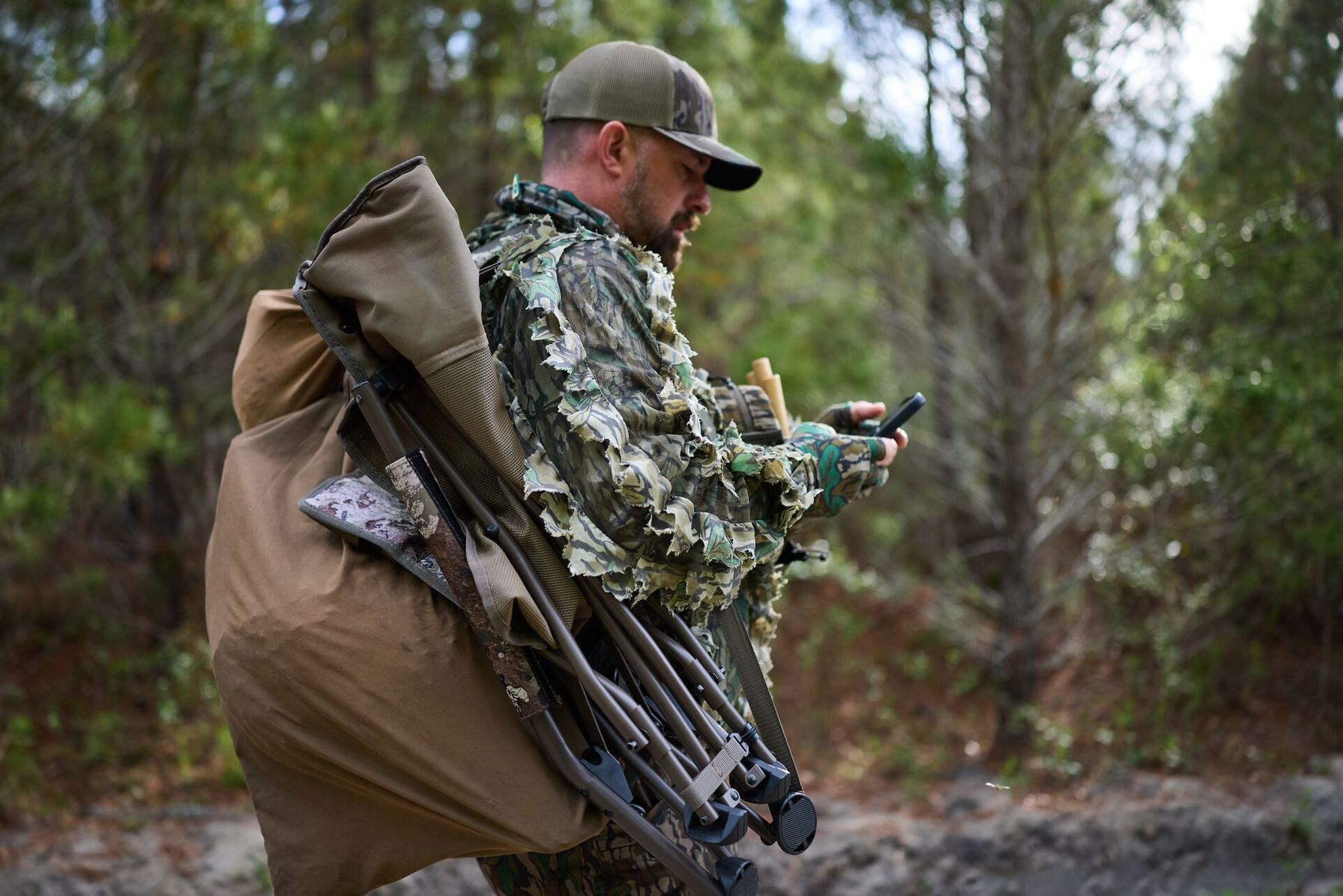
Does HuntWise work offline? Let’s take a closer look at what is actually saved on your device before you head out.
HuntWise offline lets you access downloaded maps and saved markers in the field without cell coverage, using the download-for-offline-use modal. When downloading maps, you can choose different resolutions (higher resolutions require larger downloads). During the process, you can select parcels, manually draw your hunt area, or select the fit-to-screen option.
Overlays such as topo, satellite, and property lines are included (property lines require a Pro or Elite subscription). Access to hunting app offline maps with property lines is a game changer, as the public and private overlay can ensure you stay within legal boundaries even if cell service drops.
With the free subscription tier, you can download one offline hunt area. Pro and Elite users get unlimited downloads plus extra features such as property lines and public land overlays, which are perfect for uncovering hidden-gem public-land hunting opportunities. WindCast is available with Elite and Pro access, so offline use depends on your user status.
For best use, download your Hunt Areas and sync HuntWise before heading somewhere without service or where you suspect service may drop.
Why Cell Service Drops in Hunting Country
Hunting in remote locations generally means going off the grid, with patchy or flat-out dropped cell service. This is common in remote areas, where terrain blocks the signal or distance from cell towers weakens it. Service loss has nothing to do with device functionality. It's simply a reality many hunters must prepare for, especially when planning a backcountry hunt.
Getting familiar with an app like HuntWise and using offline maps is a great workaround. This isn't a HuntWise-specific approach, as many hunters and outdoorspeople rely on offline maps for navigation when service isn't guaranteed.
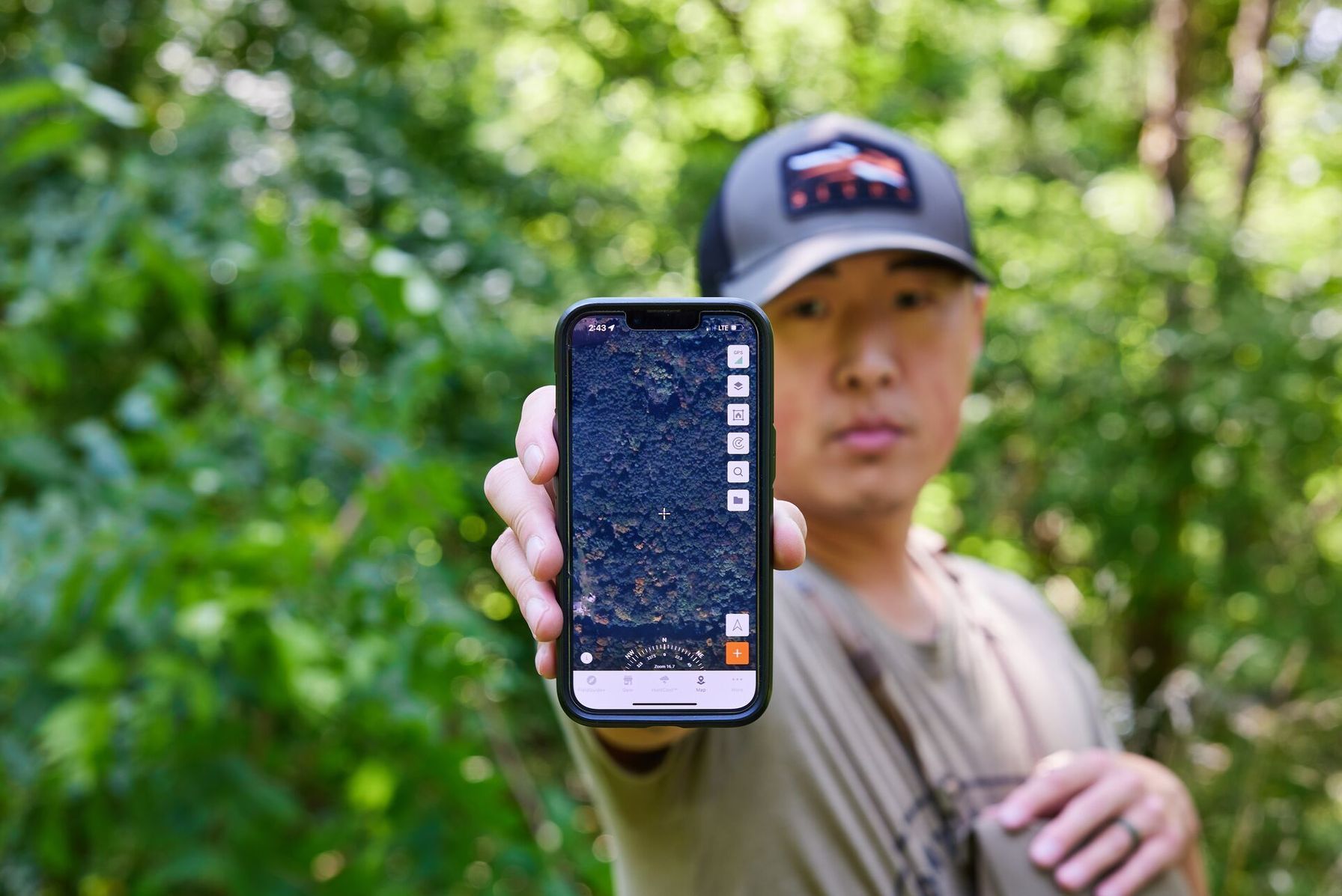
Once you're out in the field, your phone's GPS pulls from satellites independent of cell signals, so after you download your map, you can still see where you are on your HuntWise map even if the cell bars disappear. Pre-downloading is an essential pre-hunting strategy for safety, legal compliance, and reliable navigation once out in the field.
Does HuntWise Work Offline? What Works Offline vs. What Needs a Connection
Not every HuntWise feature works the same way. You can use HuntWise without cell service. But before loading up the truck and heading out, review the table below to know what will remain available and what you’ll need to check, download, or sync ahead of time.
HuntWise Offline vs Online Feature Access | ||
|---|---|---|
| Feature | Online required | Offline (after download) |
| Satellite, topo, property lines* | No (after download) | Yes (fully functional) |
| Waypoints and stand markers | No (cached locally) | Yes (always available) |
| HuntCast Huntability score | Live for new data | 24-hr forecast cached |
| WindCast wind direction* | Live for new data | 24-hr forecast cached |
| Account login (first use) | Yes | No (stays logged in) |
The easiest way to remember what you’ll have access to is that downloaded map layers and cached forecasts remain available offline. At the same time, features that rely on live data, such as trail camera alerts, require an internet connection. Note that some features require a Pro or Elite subscription, whether you’re online or offline.
How to Set Up HuntWise Offline Maps Before Your Hunt
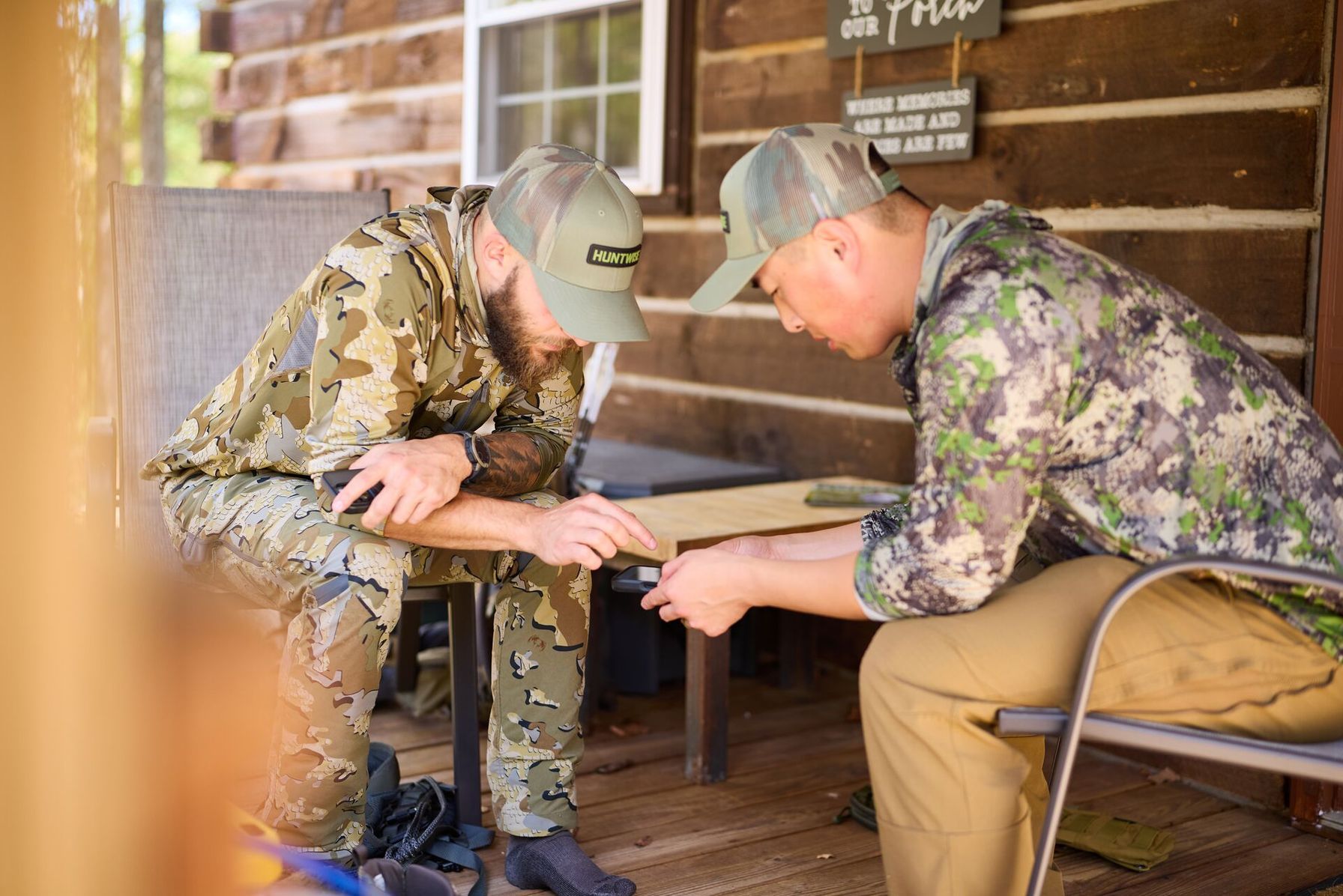
Even if you’re a new HuntWise user, you can set up offline maps in a few minutes. We recommend downloading your offline maps from home; leaving it to the last minute at the trailhead can be risky, especially when service may not be guaranteed.
- Start in a location with strong WiFi, such as home, or somewhere with strong cell coverage, and open the HuntWise app.
- Open HuntWise maps and navigate to your intended hunting area.
- Go to Offline Maps (Pro/Elite feature) to draw, select, or fit your intended download area to the screen. Cache the entire property, including access routes.
- Select the layers you want to download, such as satellite, topo, public land, or property lines. Property lines require a Pro/Elite subscription.
- Switch to airplane mode and navigate around your map to ensure the download is complete and all layers are accessible.
- On the morning of your hunt, while you have service or WiFi, open the app to sync HuntCast/WindCast data for a 24-hour forecast.
This five-minute workflow will save you in the field, whether you hit a dead zone, are deep in the backcountry, or are navigating dark timber.
Offline Map Pre-Hunt Checklist
For peace of mind before packing out on a hunt with low or no service, run through the following checklist.
- Download maps from home with strong WiFi, not last minute.
- Include a full hunting area, including zones such as access points and the intended campground.
- Switch to airplane mode to ensure the download was successful.
- Plan a final sync the morning of your hunt for up-to-date data.
- Pack a power bank to keep your phone charged in the field.
By following the five steps above, you can head out confident, knowing you'll have access to maps no matter your connectivity status. Your phone has a place when hunting and navigating, but it's only as useful as the steps you take before you head out.
Be Offline-Ready for Your Hunt with HuntWise
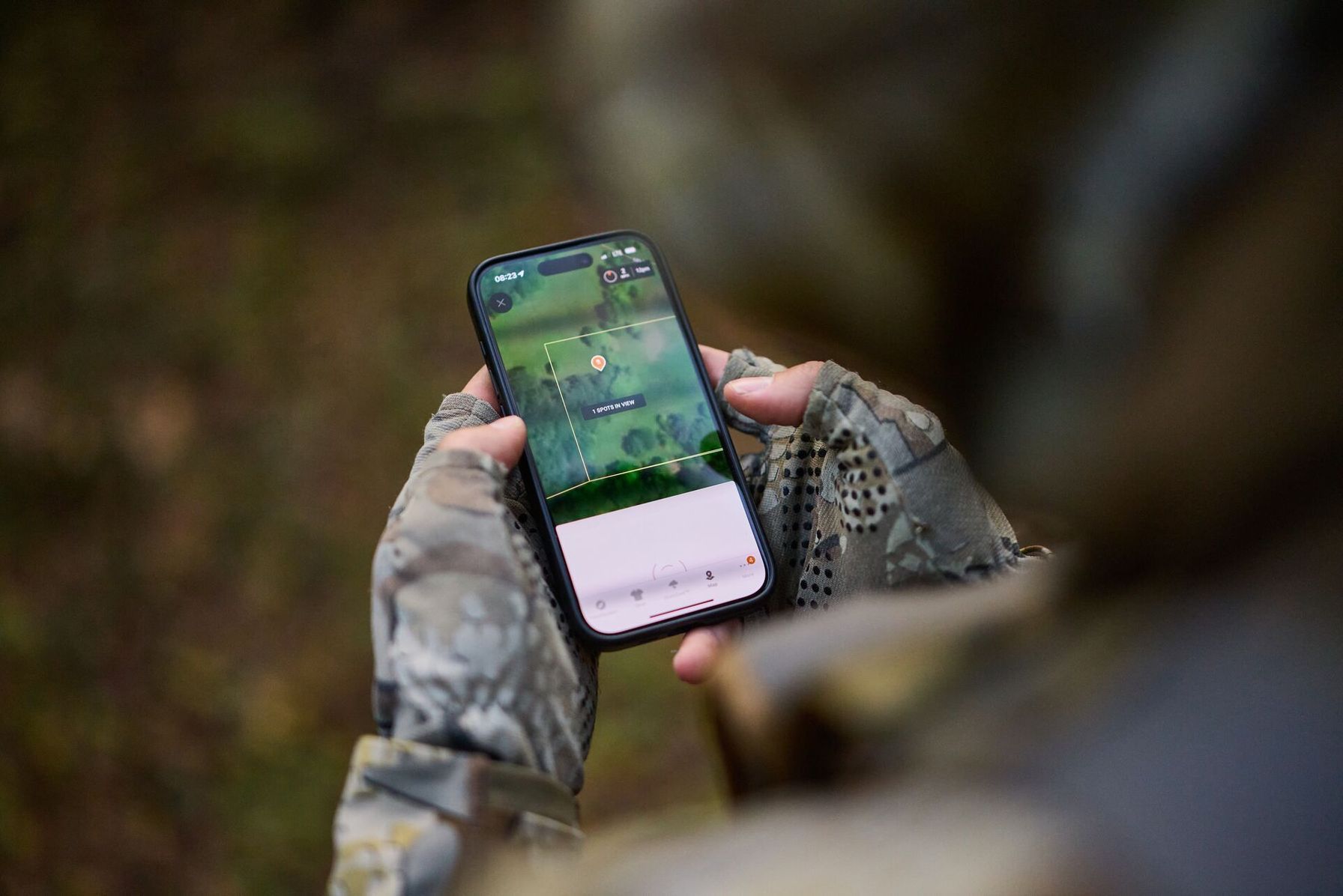
With HuntWise, you can enjoy map layers and 24-hour forecasts offline after you download them. After upgrading to a Pro/Elite subscription, you can access unlimited areas and property line data.
Don’t leave your offline map downloading to the last minute. Always include offline map prep in your pre-hunt strategy when you have a strong connection and time to test downloads.
For next-level offline operation, including property line data and multiple area downloads, consider a HuntWise Pro upgrade for deep backcountry hunts or when navigating unfamiliar territory.
Frequently Asked Questions (FAQs)
Q: Does HuntWise work without cell service?
A: Yes. HuntWise works without cell service when you download your maps before heading into the field. You can access saved map layers, including satellite imagery, topo contours, and waypoints, and use your phone's GPS to see your location. Some features still require an internet connection.
Q: Is offline map download free on HuntWise?
A: Free HuntWise users can download one offline hunting area. Pro and Elite subscribers can download unlimited areas. Access to certain map layers, including property lines, also requires a Pro or Elite subscription.
Q: How much storage do HuntWise offline maps use?
A: Storage requirements depend on the size of your download and the map resolution you select. Larger areas and higher-resolution imagery require more storage space. Check your phone's available storage before downloading, especially if you plan to save multiple hunting areas.
Q: Will my HuntCast prediction be available offline?
A: Yes. HuntWise saves your latest HuntCast data for offline reference when you sync the app before losing service. The saved forecast covers the next 24 hours, so open HuntWise while connected to Wi-Fi or cellular data before your hunt.
Q: What if my phone dies in the field?
A: If your phone runs out of battery, you won't be able to access HuntWise maps or GPS navigation until you can recharge it. Carry a portable power bank and consider bringing a paper map and compass as backup navigation tools. Downloading offline maps won't help if your device has no power.
Q: How many offline hunt areas can I download on HuntWise?
A: The number depends on your subscription. Free users can download one offline hunting area, while Pro and Elite subscribers can download unlimited areas. Download each area before your hunt while you have a reliable internet connection.


